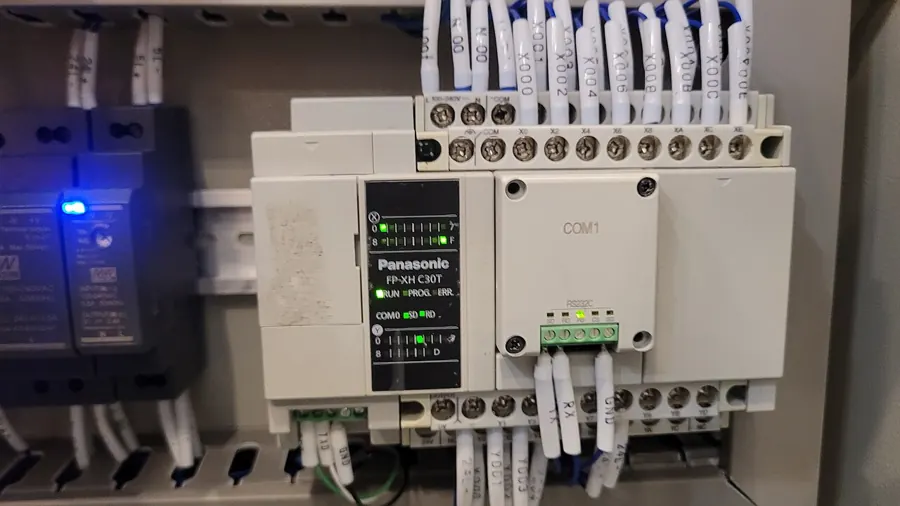
RS485 uses differential signaling, is robust against noise and supports long, multi-drop links. Together with Modbus RTU it is standard equipment on industrial devices. But links that work only some of the time are also very common. Here is our troubleshooting checklist.
Wiring
1. The topology is not a daisy chain
RS485 should be wired as a daisy chain, device to device. Avoid star topologies and long stubs, which cause reflections and data errors.
2. No twisted pair
A and B must run on the same twisted pair, ideally in shielded communication cable, with the shield grounded appropriately for the site.
3. Wrong termination
Fit a termination resistor matching the cable's characteristic impedance (typically 120 Ω) at both ends of the bus only. Do not add more on devices in the middle — too many attenuate the signal.
4. No bias resistors
When no device is transmitting, the bus floats and noise can be read as data. Add fail-safe biasing resistors to the bus or use transceivers with built-in fail-safe.
5. No common ground reference
Although RS485 is differential, transceivers have a limited common-mode range. Large ground potential differences between devices cause errors or even damage — run a signal ground wire or use isolated transceivers.
Modbus settings
6. Mismatched serial settings
Baud rate, data bits, parity (none / even / odd) and stop bits must be identical on all devices.
7. Duplicate slave IDs or wrong timing
Slave IDs on the same bus must be unique. Modbus RTU uses a silent interval of at least 3.5 character times to mark the end of a frame; if the master polls too fast or a device responds slowly, increase the timeout and polling interval.
8. Inconsistent A / B labeling
Manufacturers do not label A / B (or D+ / D−) consistently. If nothing communicates at all, try swapping the A and B wires first.
Debugging tools
- Use a USB-to-RS485 adapter and a Modbus master test tool to check each device's response one by one.
- Look at the differential waveform on an oscilloscope for reflections, ringing and noise.
- Check whether register addresses start at 0 or 1 — a common reason for values being off by one register.
Written by the Balin R&D team as general technical guidance. Always check your specific product requirements and the latest regulations. Related service: Industrial Automation